| Minimum | Recommended | |||
|---|---|---|---|---|
| Android | iOS | Android | iOS | |
| OS | Android 10.0 or higher | iOS 14 or later | Android 11 or higher | iOS 16 or later |
| CPU | Snapdragon 855 or equivalent | - | Snapdragon 888 or equivalent | - |
| Memory | 6GB RAM | - | 8GB RAM | - |
| Device | Galaxy S10 / Xiaomi Mi 9 or equivalent | iPhone 11 or newer | Galaxy S21 or equivalent | iPhone 13 Pro/iPhone 14 or newer |
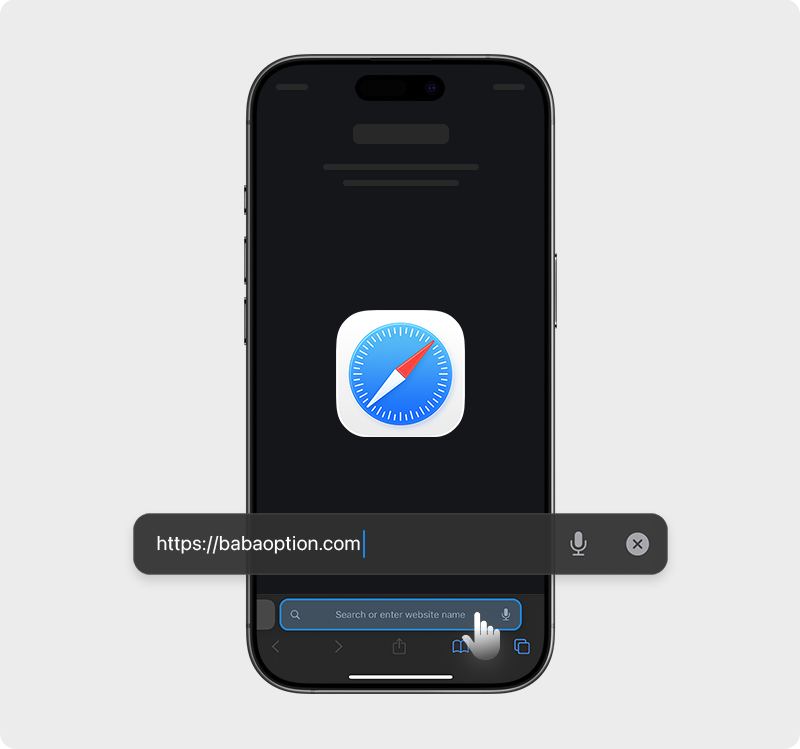
Open https://babaoption.com in Safari browser
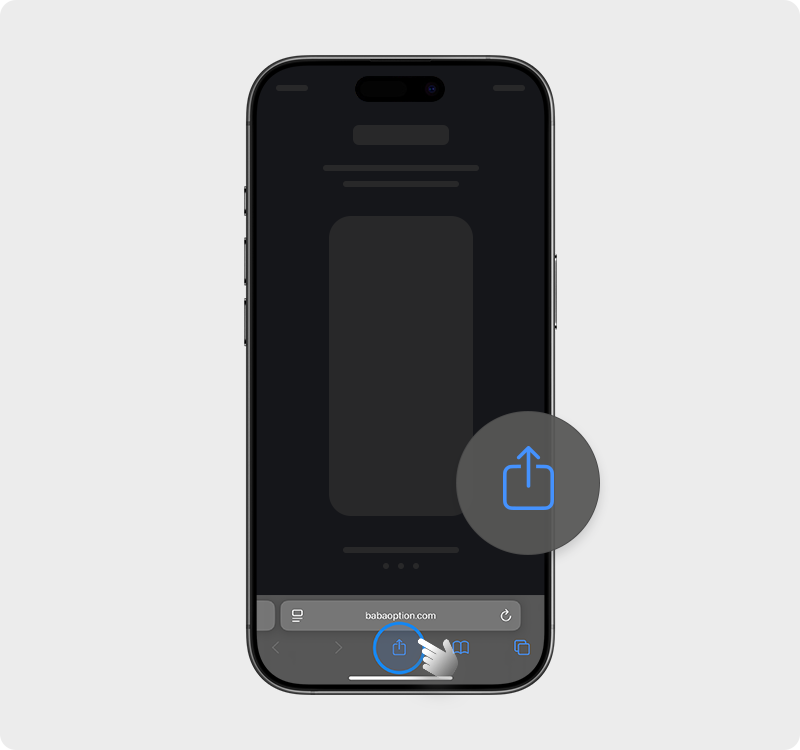
Press "Share"
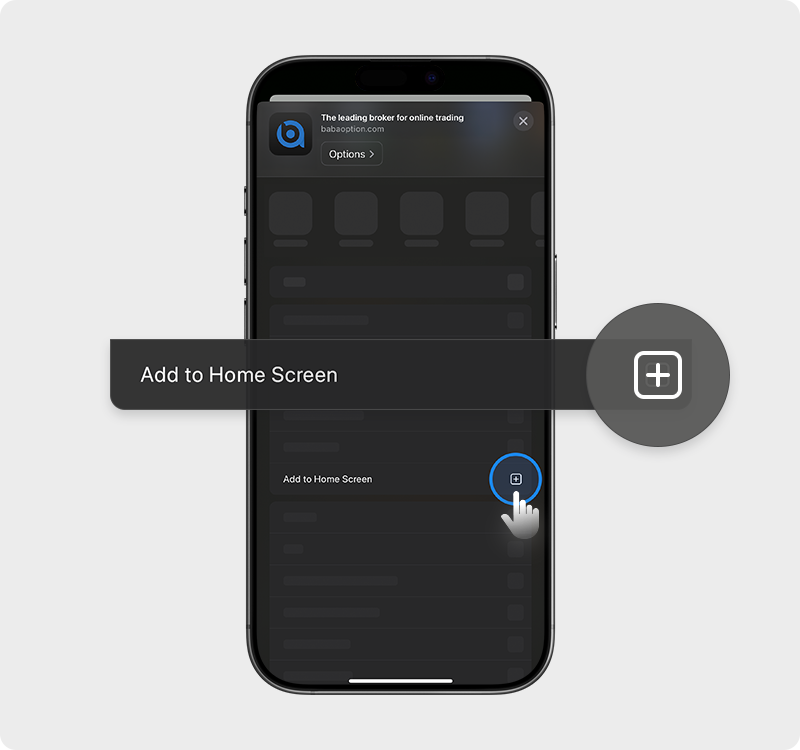
Press "Add to Home Screen"
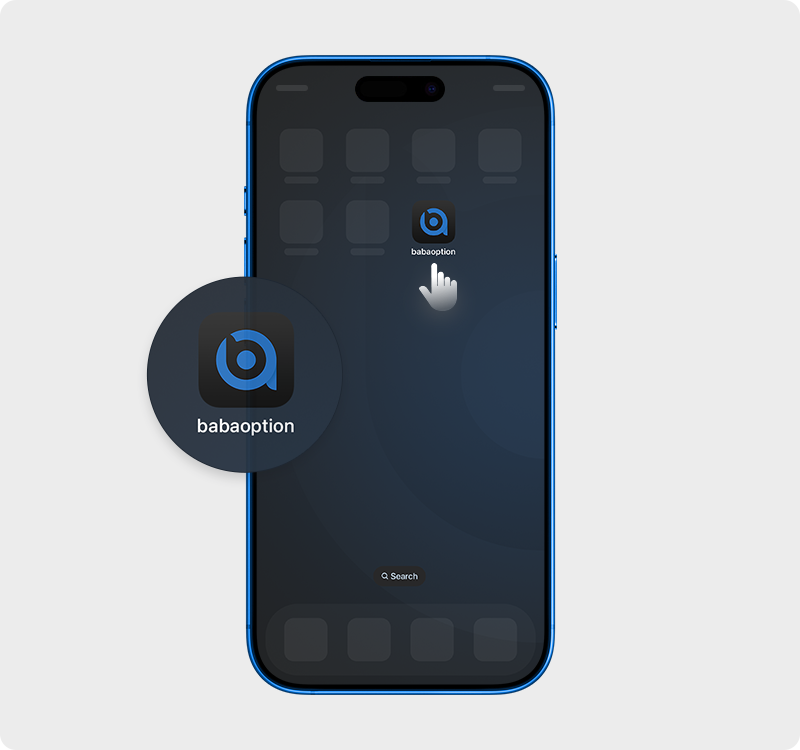
Enjoy your trading experience!
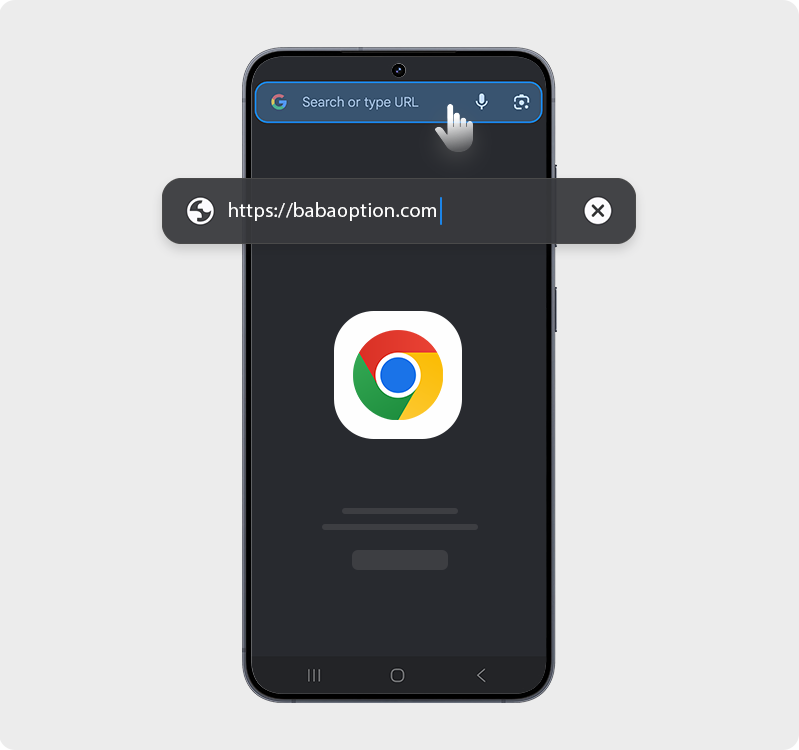
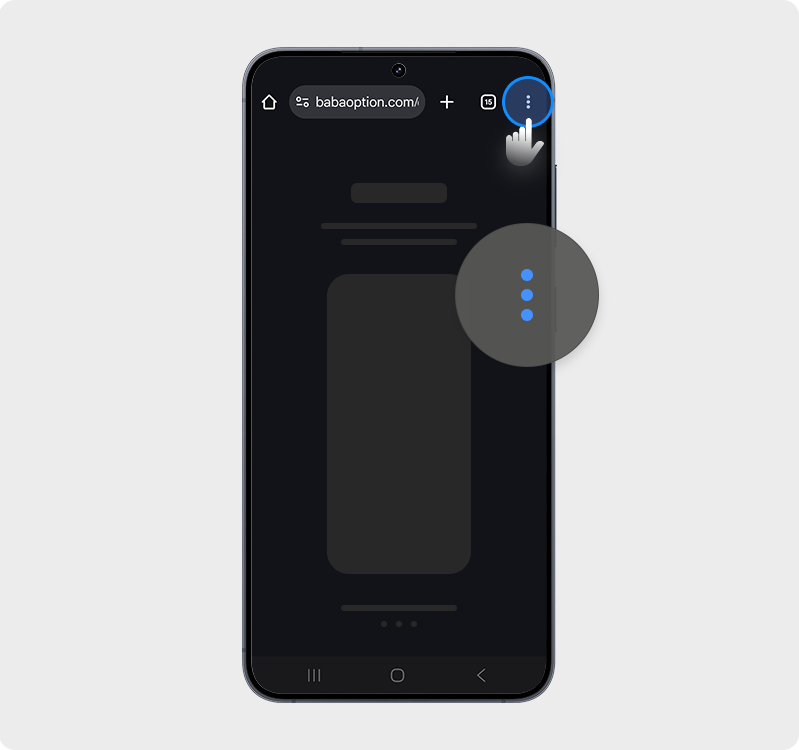
Open https://babaoption.com in Chrome browser
Press "Share"
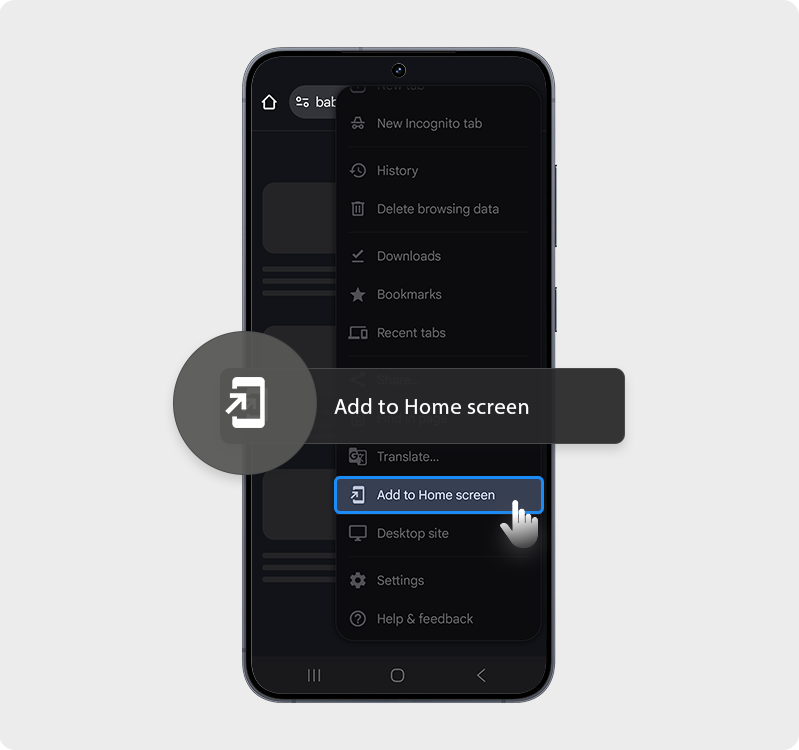
Press "Add to Home Screen"
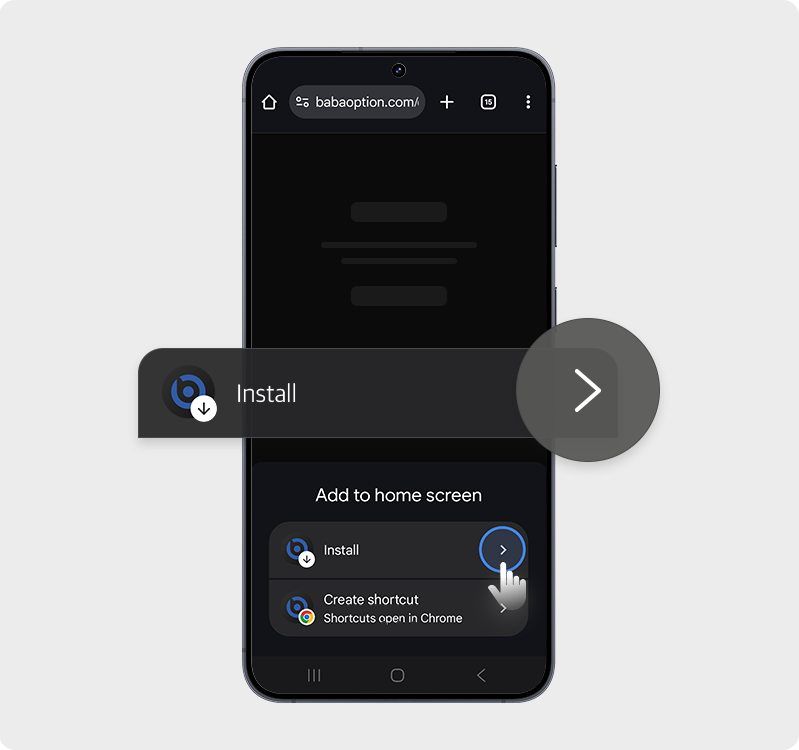
Confirm by tapping Install
Enjoy your trading experience!
A PWA (Progressive Web App) is a web-based application that works like a regular app. You can install it on your home screen and use it without opening your browser.
Only Safari on iOS and Chrome on Android are supported.
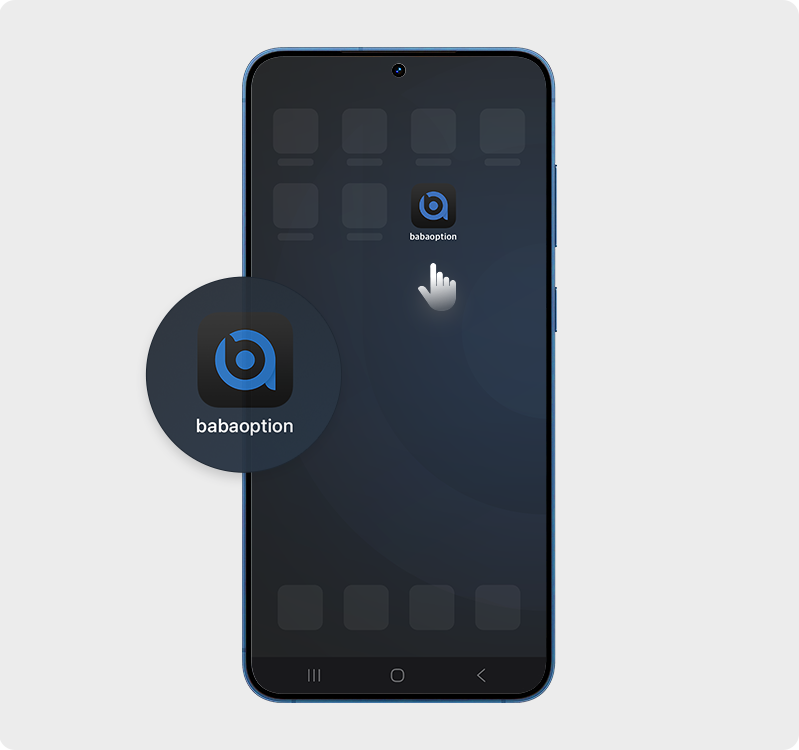
After installation, an icon will appear on your home screen. You can tap it to open and use the app.
No manual update is required. The latest version will be applied automatically once the website is updated.
Yes, you can install and use it on any device by accessing the same website. However, it needs to be installed on each device.